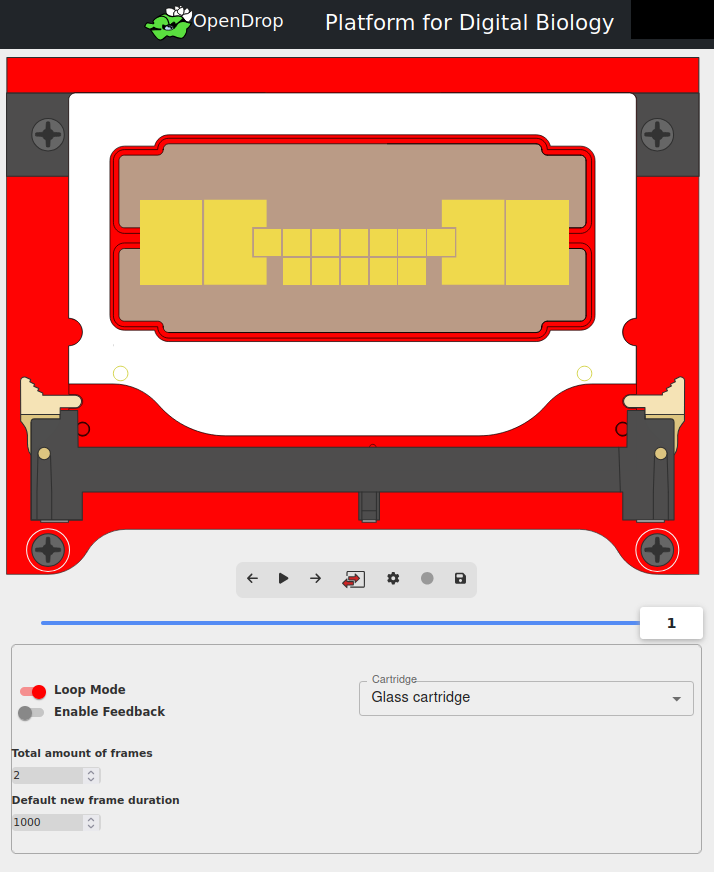
The OpenDrop digital microfluidics platform is a versatile development platform for research and development with a wide range of liquid-handling cartridge chips. The device features a cartridge connector designed to support printed circuit board (PCB) cartridges with up to 128 electrodes.
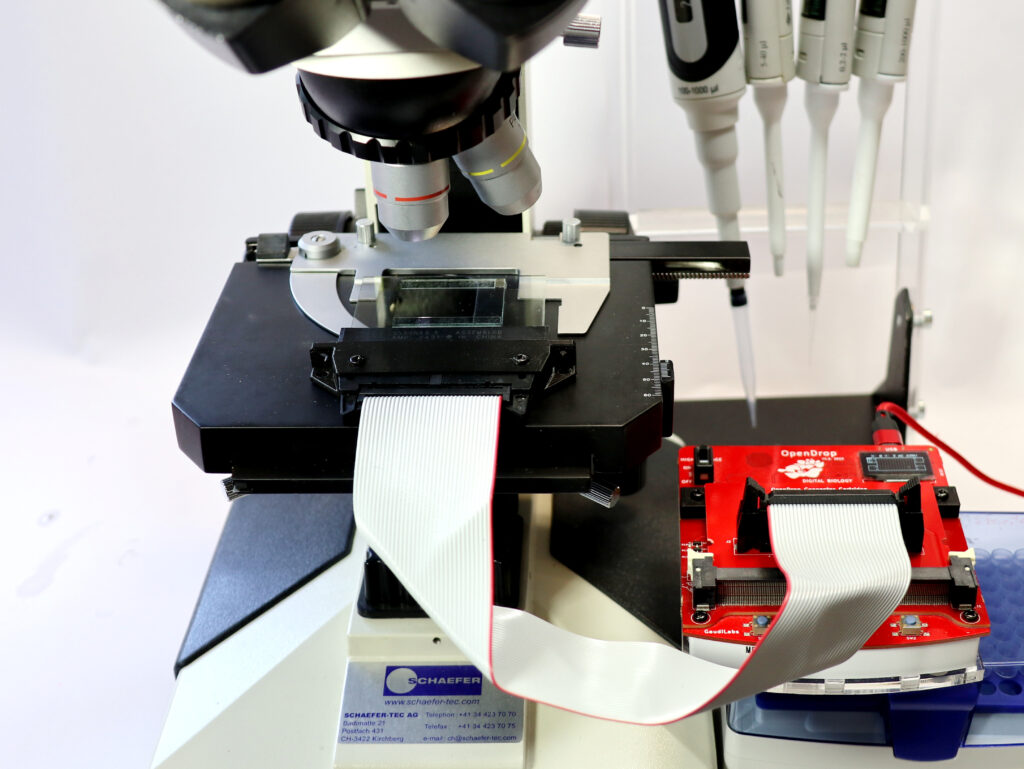
For applications that require transparent, offsettable glass cartridges, we offer a special Glass Bundle. This bundle includes a dedicated cable adapter cartridge and a glass cartridge adapter for accessing selected high-voltage lines. We also provide fully transparent glass cartridges that are professionally manufactured, assembled, and tested.
Glass Adapter
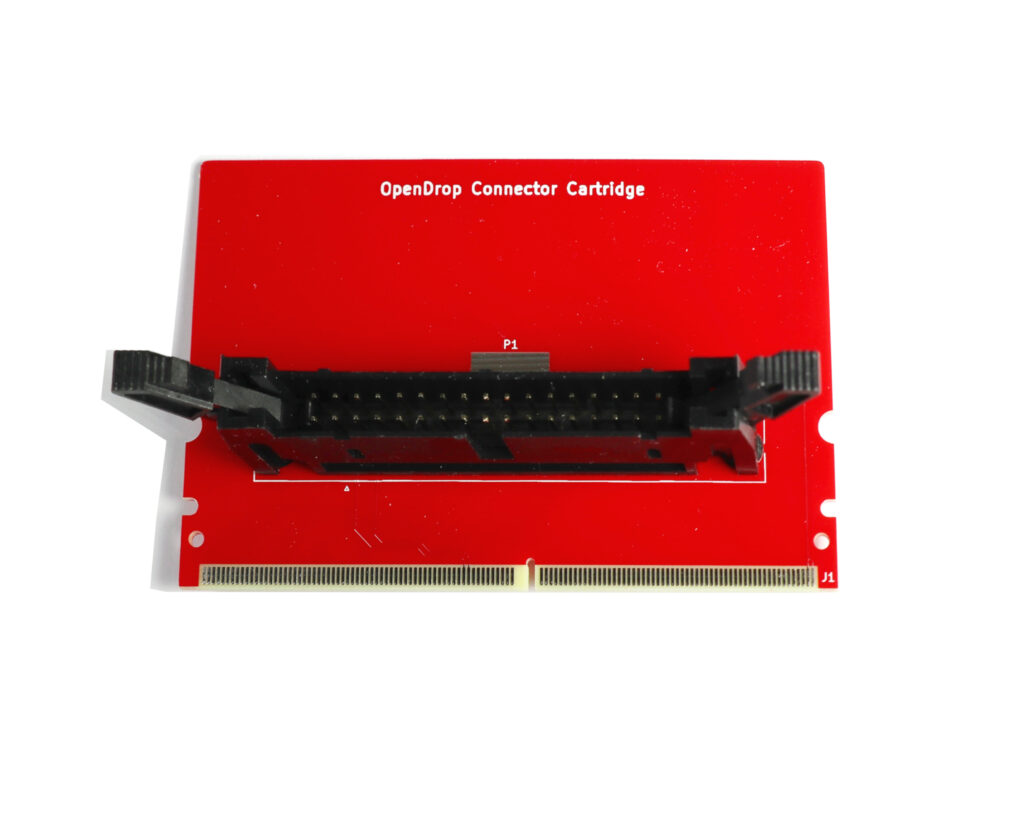
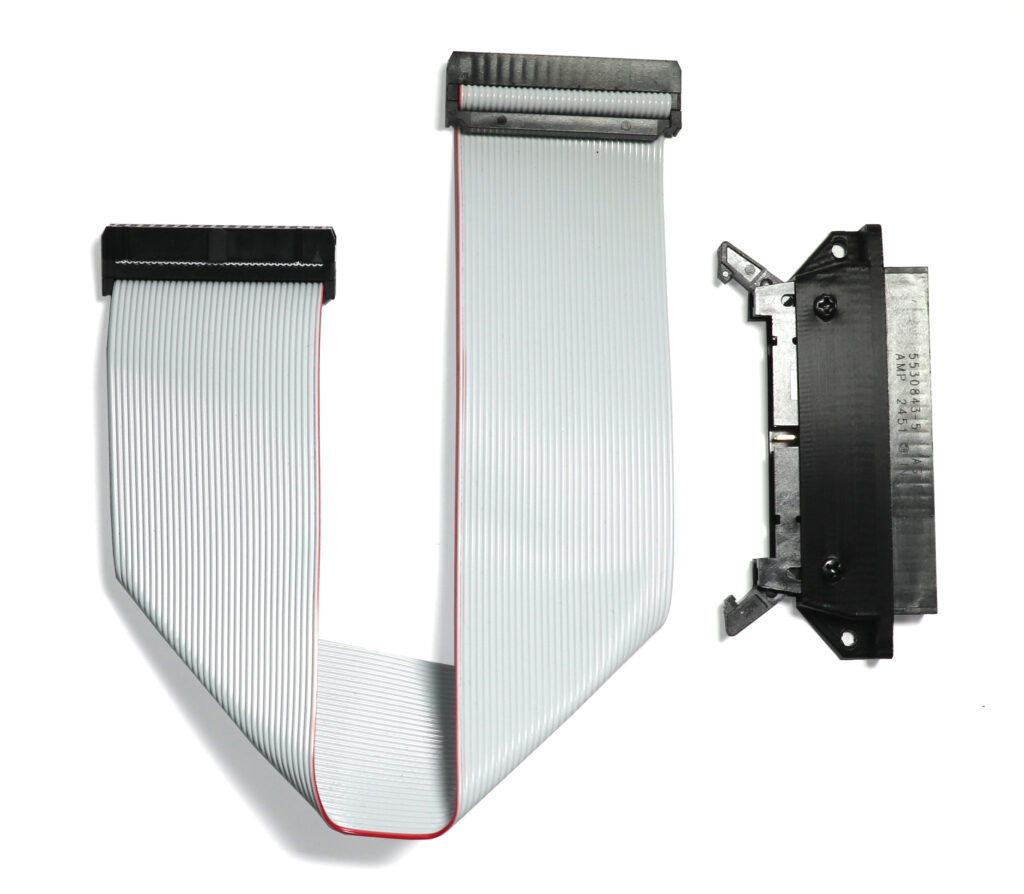
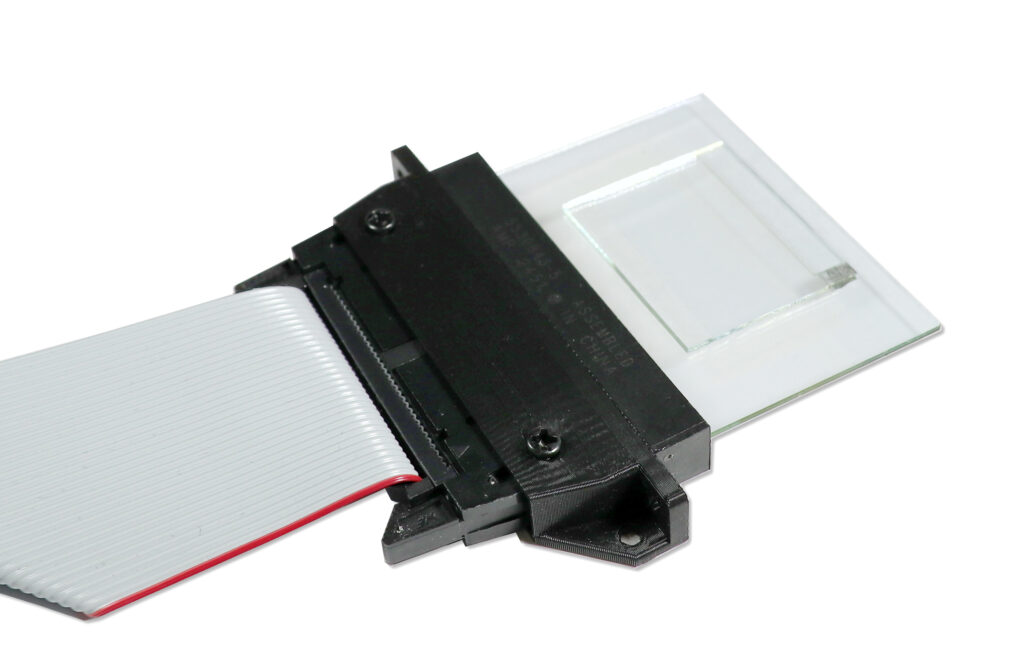
The cable adapter cartridge can be inserted into the cartridge connector of the OpenDrop and is compatible with versions both with and without magnets. The glass cartridge adapter cable then connects to the breakout connector. Finally, the glass cartridge can be inserted into the adapter, as shown in the picture below.
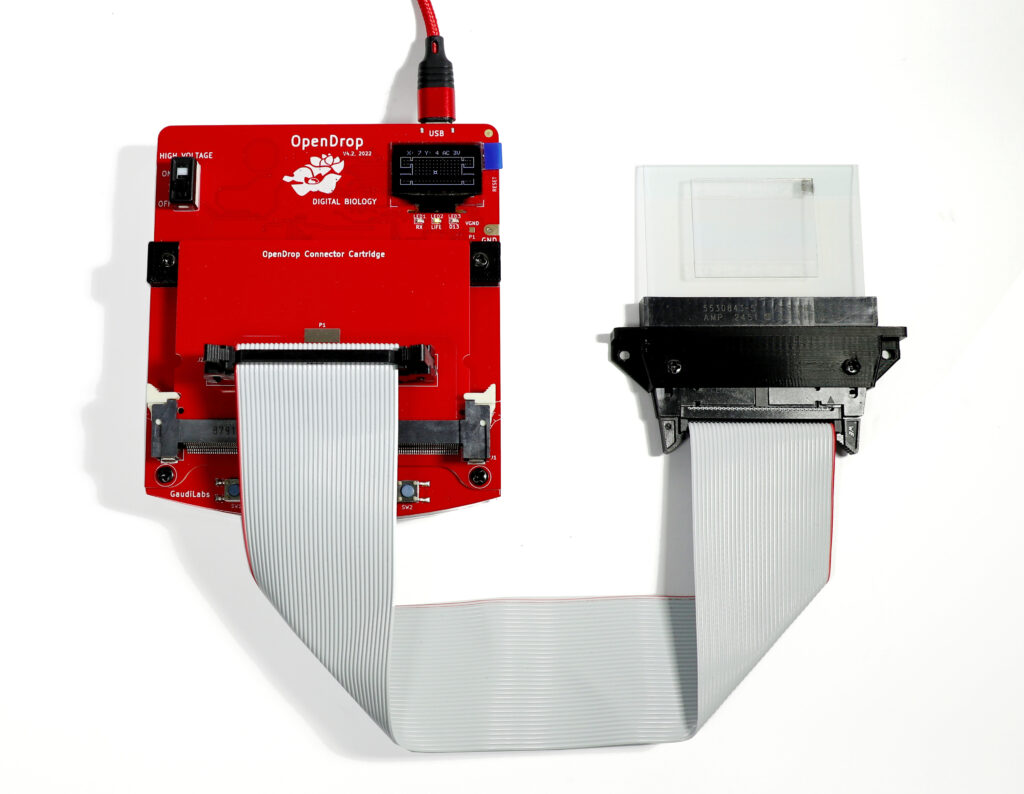
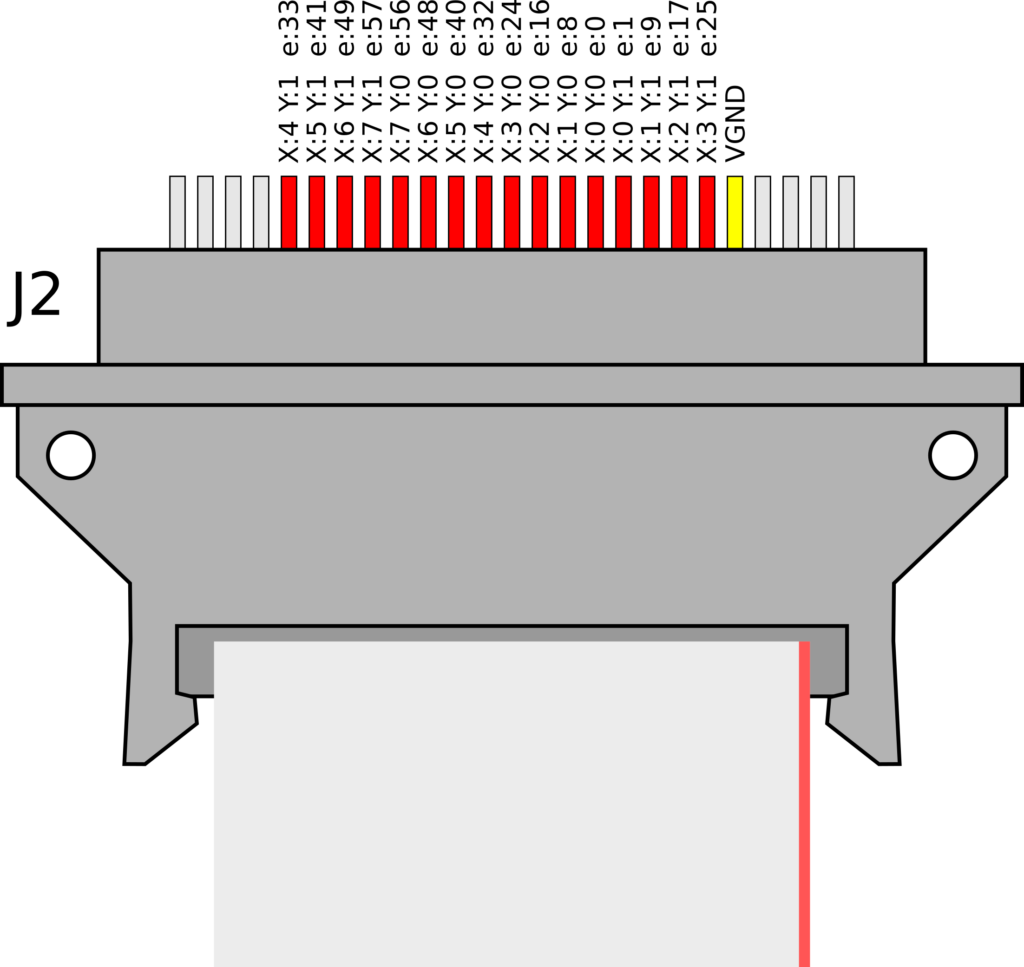
Transparent Glass Cartridges (Liquid Chips).
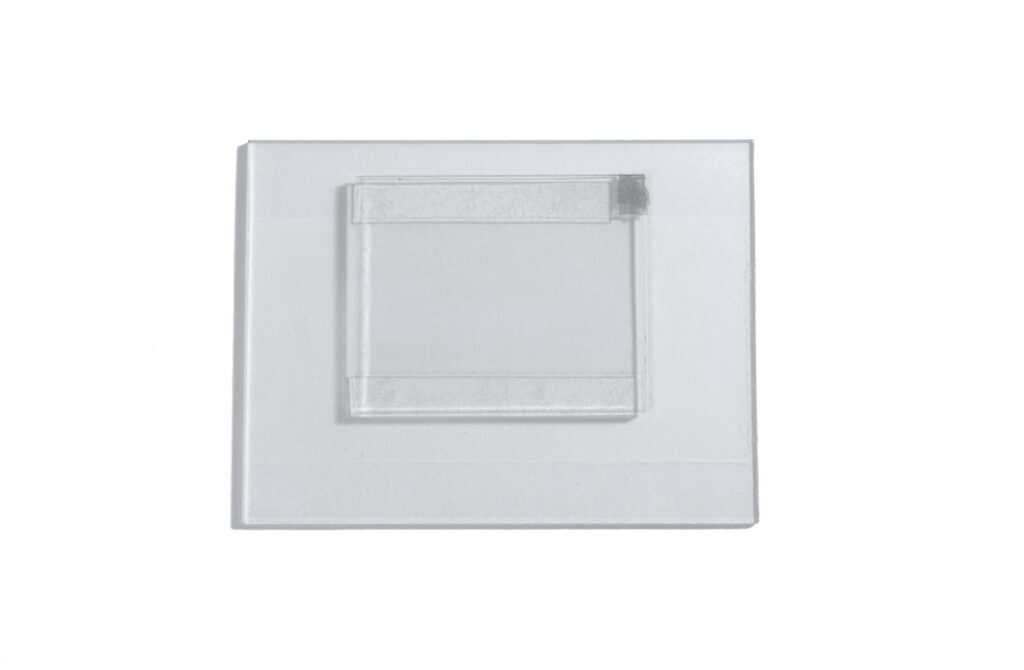
The transparent glass cartridges are made from a 66 mm × 55 mm glass slide coated with a transparent conductive ITO (indium tin oxide) layer. The electrode pattern is invisibly structured into the ITO coating using a laser ablation process. A 3 µm PET film serves as the dielectric layer, and a top cover is placed above it. All surfaces are coated with a hydrophobic fluoropolymer. Two reservoirs on the sides allow fluids to be introduced into the cartridge.
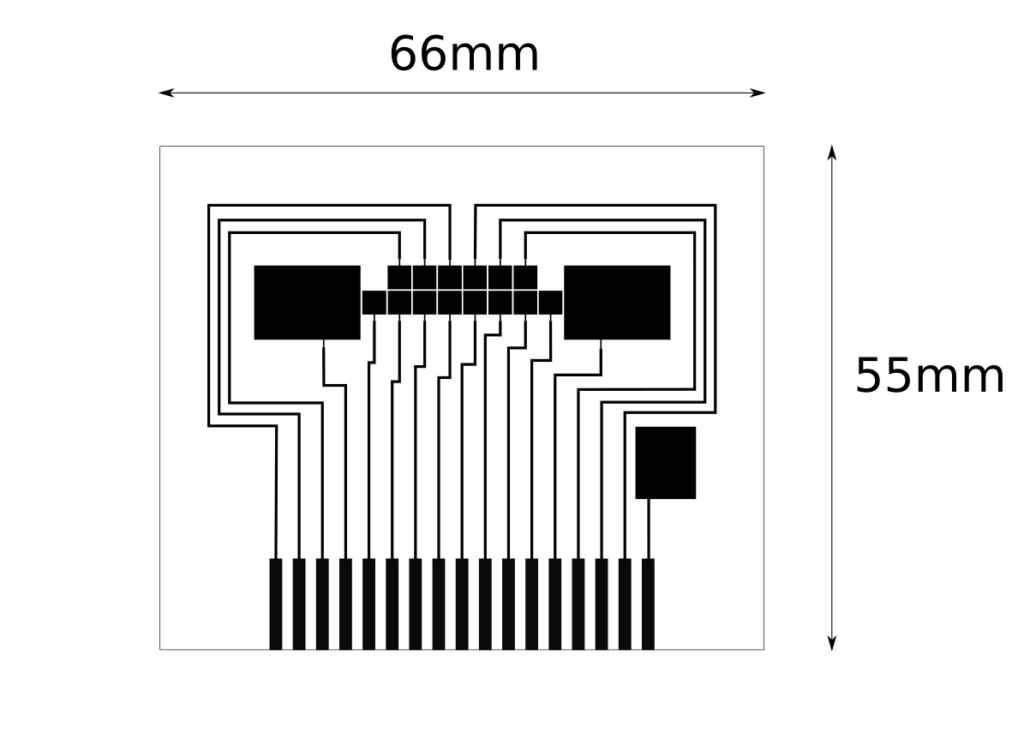
Operating instructions
- Insert the Cable Adapter Cartridge into the OpenDrop connector.
- Attach the ribbon cable to the connector on the Adapter Cartridge. The assembly should now look like the pictures above. When correctly assembled, the “Insert Cartridge” message should disappear from the device display.
- Insert the glass cartridge into the Glass Cartridge Adapter. Position the adapter as shown in the picture, with the side mounting holes facing downward and the red stripe on the ribbon cable facing to the right. The glass cartridge should be inserted so that the smaller glass top cover is facing upwards, and the side with the engraved electrodes (the wider side) goes into the adapter. When holding the glass cartridge against a light source, the connector side of the cartridge with engraved electrodes should be faintly visible.
- Use the OpenDrop Online Platform to operate the device. In the Settings menu (gear symbol), change the cartridge selection from “Standard” to “Glass Cartridge” in the cartridge drop-down menu. The cartridge pattern displayed on the screen should then change to the glass cartridge layout.
- Enable the high voltage using the switch on the device. Then activate the reservoir electrode through the web interface.
- Pipette approximately 10 µL of liquid onto the side of the top cover glass. The liquid should be drawn into the cartridge by capillary action.
- Move the liquid by activating electrodes through the web interface.